You scan before you think
The usual web safety habit is "inspect, then click." QR codes reverse that by making the reveal happen after the scan.
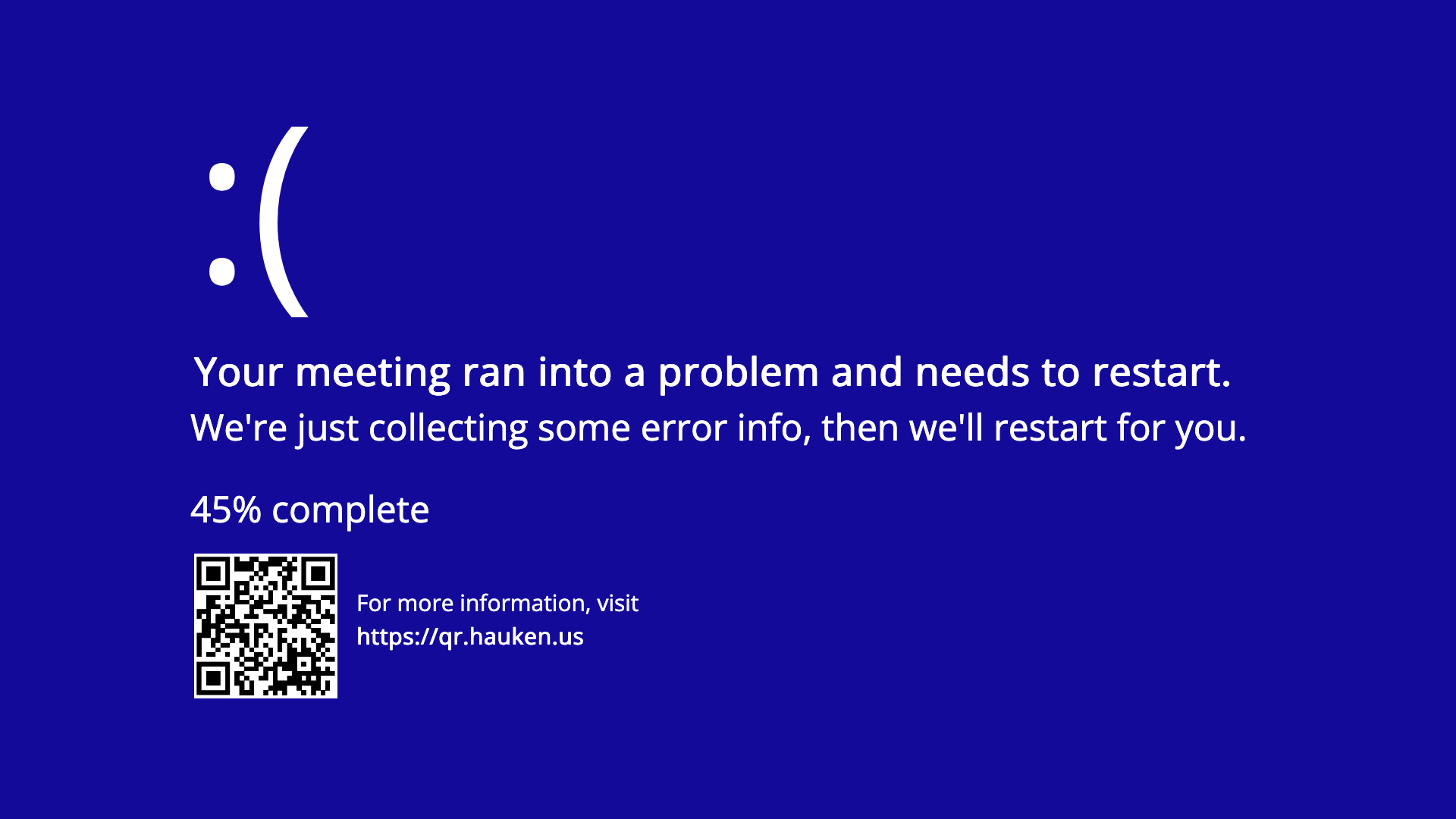
If you scanned this from my Teams, Zoom, or other meeting background, you have perfectly demonstrated the problem.
This page is harmless. The lesson is that a QR code on a screen, poster, badge, or flyer is still just a link you did not inspect first.
People see a QR code in a meeting background and curiosity does the rest. That works because QR codes feel more official than they deserve to.
The usual web safety habit is "inspect, then click." QR codes reverse that by making the reveal happen after the scan.
Swap a sticker, cover a legitimate code, or print a convincing fake and most people will not notice before opening it.
"What is that code in the background?" is not very different from "it is probably the menu." In both cases, the attacker is relying on impulse.
If you would not click the same link from a stranger in email or text, do not blindly scan it from paper, signage, or somebody's webcam frame either.
Not every scan is dangerous, but QR abuse works precisely because the unsafe ones look ordinary in the moment.
The code lands on a fake login, fake payment flow, or fake download page before you have a chance to spot the real destination.
A page can ask for credentials, card details, app installs, Wi-Fi joins, or permissions when you are already in a hurry.
A printed code feels official. That tiny boost in trust is often enough to get people past their normal skepticism.
Most of the defense here is boring, and that is useful. You do not need paranoia. You need one short pause and a few consistent checks.
Many phones show the destination before opening it. Read the domain. If it looks odd, long, misspelled, or unrelated, stop there.
Does the code make sense in that exact place? A parking sign, menu, poster, or business card should still match the organization around it.
If something matters, visit the company site directly, search for the official app, or type the address yourself instead of trusting the printed shortcut.
Yes. It is MIT licensed and available on GitHub, so feel free to reuse the background in your own Teams, Zoom, Slack, or similar setup.
This website will opened if the QR code in the background is scanned. You don't have to host it youself, unless you want to.
Start at @haukened on GitHub
Enter your idea, suggestion, or feedback as a new issue in the repository.
Totally optional, but if you want to say thanks or support my work, you can buy me a beer at Buy Me a Beer.